Start with the contextual Help article for your current screen (header ?). If you still need a person, contact your Constructora system administrator with enough detail to reproduce the issue.
Where to start
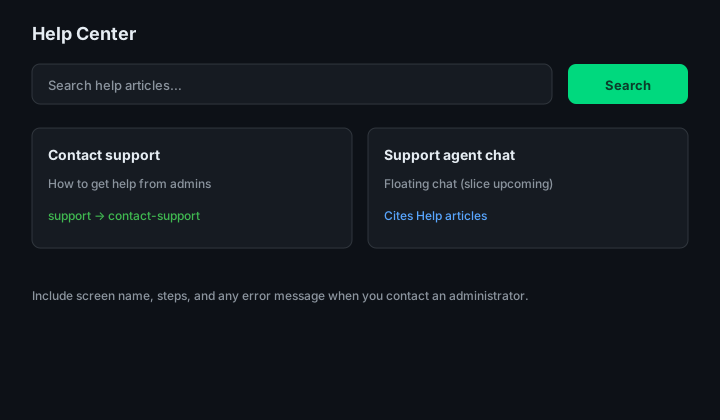
Figure: Help Center — search bar and links to support topics.
| Step | Action |
|---|---|
| 1 | Open ? on the Admin screen where the problem occurs. |
| 2 | If the article does not resolve it, gather the fields in the table below. |
| 3 | Email your internal admin or use Support agent chat when Tawk.to is enabled. |
Contact channels
| Environment | Channel |
|---|---|
| Local development | support@constructora.local (placeholder) |
| Production | Address your organization configures before GA |
What to include in your message
| Field | Example |
|---|---|
| Screen | Users, Profiles, Logs — include path e.g. /admin/users |
| Steps | “Clicked Add user → Save on Basics → toast error …” |
| Result | Exact error text, screenshot, or “no response” |
| User | Your sign-in email — never passwords or reset tokens |
| When | Approximate time/timezone — admins can match Application logs |