Operators sign in with the email and password assigned by an administrator. Inactive accounts cannot access Admin until an admin restores Active status.
No FunctionId applies to the login surface — only valid credentials and an active user record.
Sign-in screen
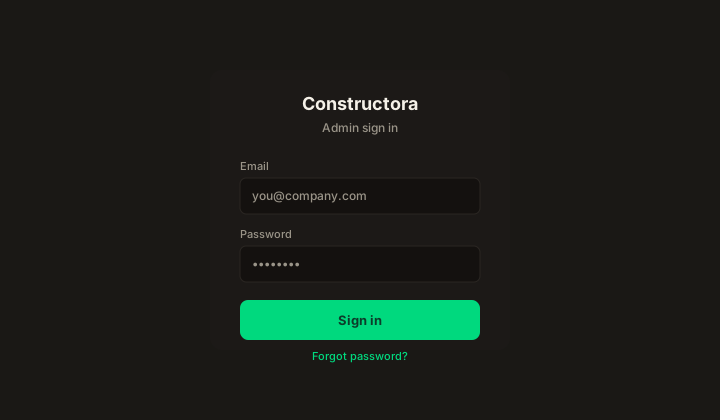
Figure: /admin/login — branded shell, Email, Password, Sign in, link Forgot password.
| Element | Rules |
|---|---|
| Required. Must match a user row in the directory. | |
| Password | Required. Validated against the stored hash (legacy parity). |
| Sign in | Creates a session cookie; redirects to /admin (Home) on success. |
| Forgot password | Opens the reset flow — email link, new password policy on set. |
Typical local URL: http://localhost:3001/admin/login.
Sign-in flow
- Open the Admin login URL.
- Enter Email and Password.
- Submit Sign in. Wrong credentials show the legacy English login error (no hint which field failed).
- Sign out from the avatar menu when finished.
Forgot password
| Step | What happens |
|---|---|
| 1 | Click Forgot password on the login page. |
| 2 | Enter email; submit if the account exists, a reset message is sent (Mailpit in local Docker). |
| 3 | Follow the link; set a new password meeting the published policy. |
| 4 | Sign in with the new password. |
After sign-in
You land on Home. Sidebar items depend on role and user-level permission overrides — if a module is missing, ask an admin to review Users / Profiles (FunctionId View column).