Files (/admin/files) lists every stored attachment. The page title is Files and the breadcrumb is All attachments. There is no New button: files are uploaded from the module that owns them.
Permissions: FunctionId ATTACHMENTS (41), menu Admin → Files (function.url = files). View opens the page.
Screen layout
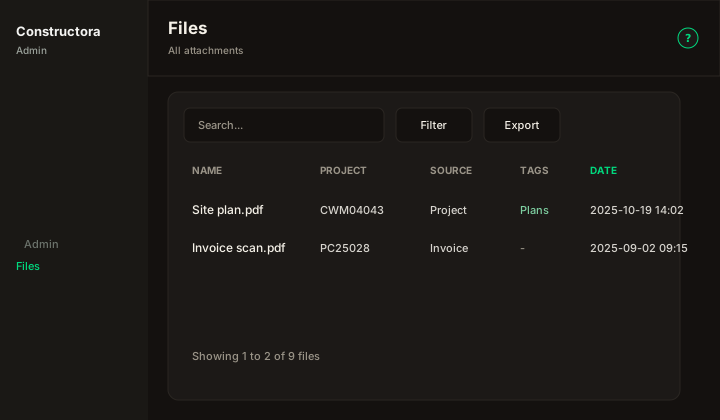
Figure: FoodHub list — Search..., Filter, Export, sortable Name, Project, Source, and Date, Tags, and Preview / Download.
Default sort: Date descending.
List behavior
- Search matches the name, note, or file name when the term is empty or at least 3 characters.
- Filter options includes Project, Tags, and a date range. Reset filters also clears the search.
- A date range drops rows that have no date. The filter says: Historical attachments without a date are excluded when a date range is applied.
- Source is Project, Invoice, Estimate, Data Tracking, Abnormal Loss, or Override Payment.
- A missing date shows No date.
- Preview opens the attachment preview dialog (image, PDF, or a download hint). Download saves the stored file.
Delete
This screen does not delete attachments. Remove a file from the project, invoice, estimate, or tracking record that owns it.