Reports → Subcontractors' Report lists subcontract lines captured in Data Tracking: date, project, subcontractor, pay item, unit, quantity, price, and line total (quantity × price).
Use Search (empty or at least three characters) to match subcontractor, item description, or project fields. Total $ updates with the same filters as the table. Filter narrows by subcontractor, project, item, and From / To dates (MM/DD/YYYY). Changing subcontractor or project refreshes the dependent comboboxes like the legacy report.
Sort any column; pagination remembers page size. Export is a single menu: Copy, Excel, CSV, and PDF for the current page, plus Export Report for the server Excel (report-subcontractor template, all filtered rows). Export Report shows a full-screen progress dialog (Generating Excel… then Preparing download…), the same overlay used when generating an invoice file.
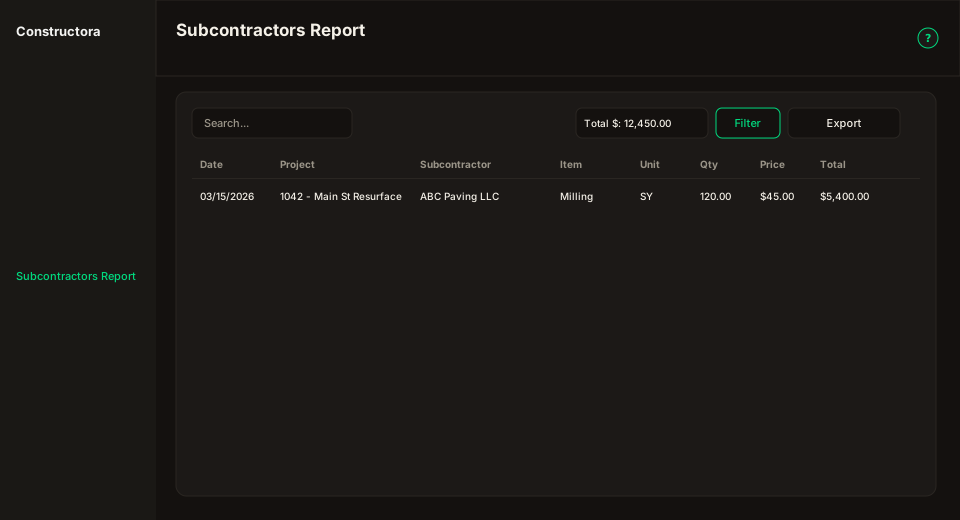
Figure: Search, Total $, Filter, Export, and eight data columns.